
How Indeed Made Their Design System Machine-Readable for MCP and LLMs
Diana Wolosin benchmarked 8 MCP configurations with 1,056 prompts at Indeed to find the right metadata format for AI agents


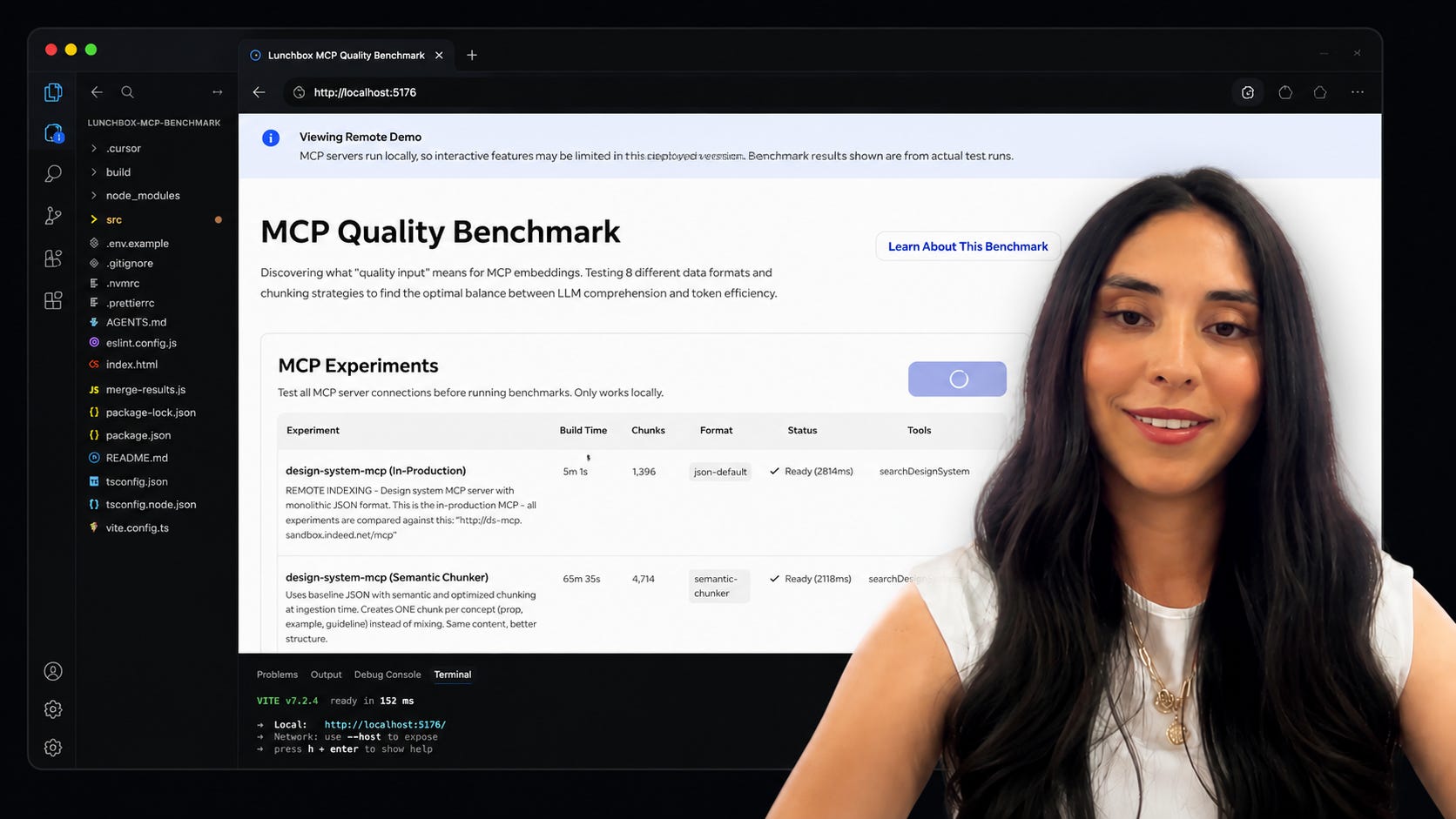
What I learned from Diana Wolosin at the AI Conference for Designers 2026
Diana Wolosin joined the AI Conference for Designers 2026 on day two to walk through how she made Indeed’s design system machine-readable for MCP and LLMs. She is a Senior Product Designer, Architecture and Systems at Netflix (ex Indeed) and she came live on stage from Colombia 🇨🇴
What she shared was a year of research, a benchmark of eight MCP configurations with 1,056 prompts and a clear winner on which metadata format to feed AI agents.
This is what I learned from her session:
🤖 AI is a new user
The line that became the spine of Diana’s talk:
“AI is a new user.”
And as a new user, the design system needs to be in a format the AI can understand. That format has a specific term: machine-readable.
In her words:
“Codify your design system knowledge into structured data, metadata, schemas, explicit constraints so LLM can parse it, reason about it and use it programmatically.”
Stop writing docs for humans only. Write them so an LLM can reason over them.
The format matters more than the model
Diana’s first experiment was a Google spreadsheet that became JSON snippets per component. Developers copy-pasted them into AI tools to generate prototypes. It almost worked, but it was not enterprise grade.
What the experiment proved:
“The format matters. The format we feed to LLM impacts its reasoning and its output.”
That single insight is what pushed her to do the real work: an actual benchmark, with real numbers, on Indeed’s production design system.
How MCP works, step by step
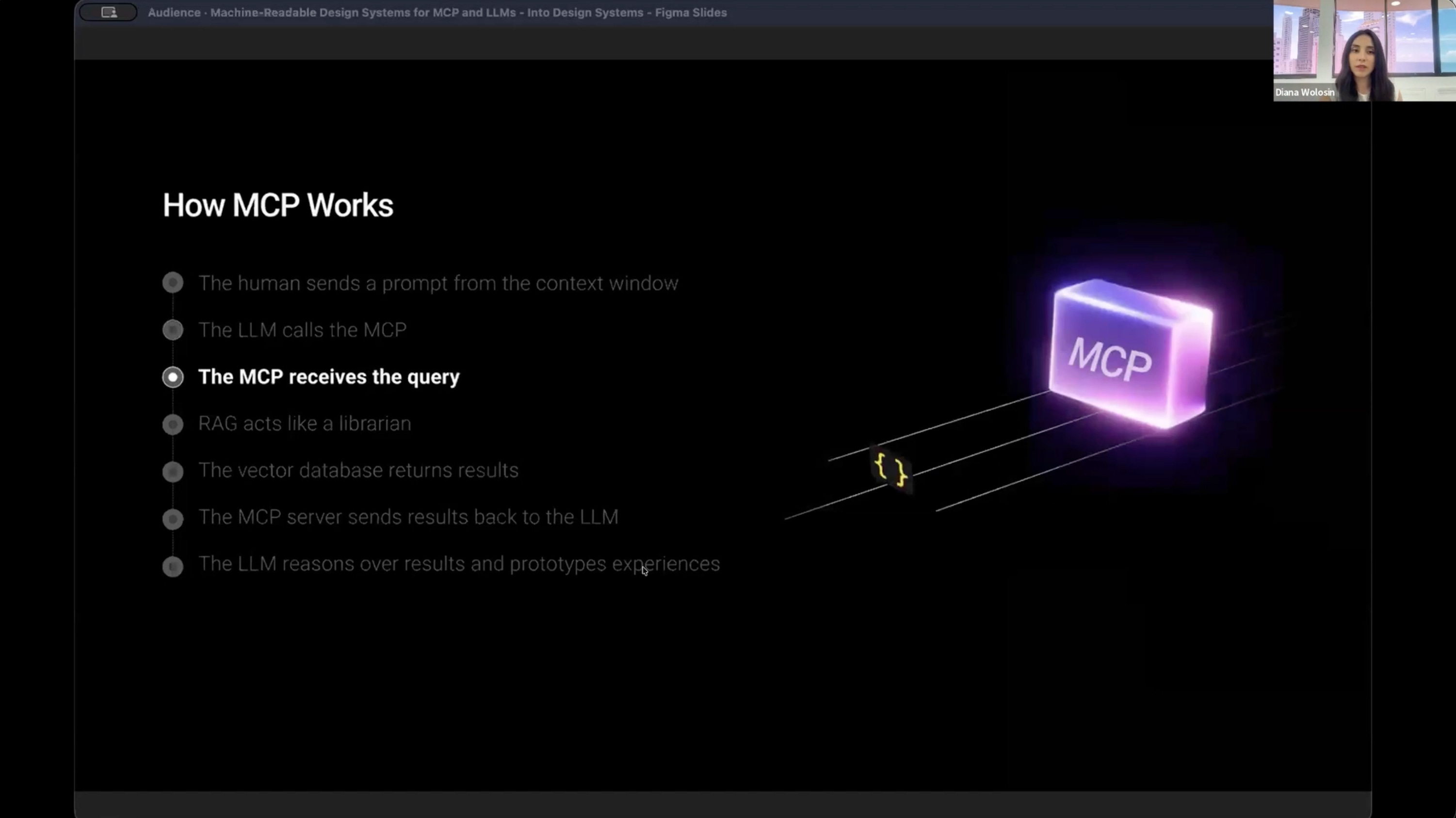
Before the benchmark makes sense, you need to see the machine you are feeding. Diana breaks the entire MCP flow down on one slide, step by step:
The human sends a prompt from the context window
The LLM picks the keywords and compiles a query
The MCP receives the query
RAG acts like a librarian, searching for semantic similarity between the query and the metadata
The vector database returns results
The MCP server sends results back to the LLM
The LLM reasons over the results and prototypes experiences
Her one-line definition is the cleanest I have heard:
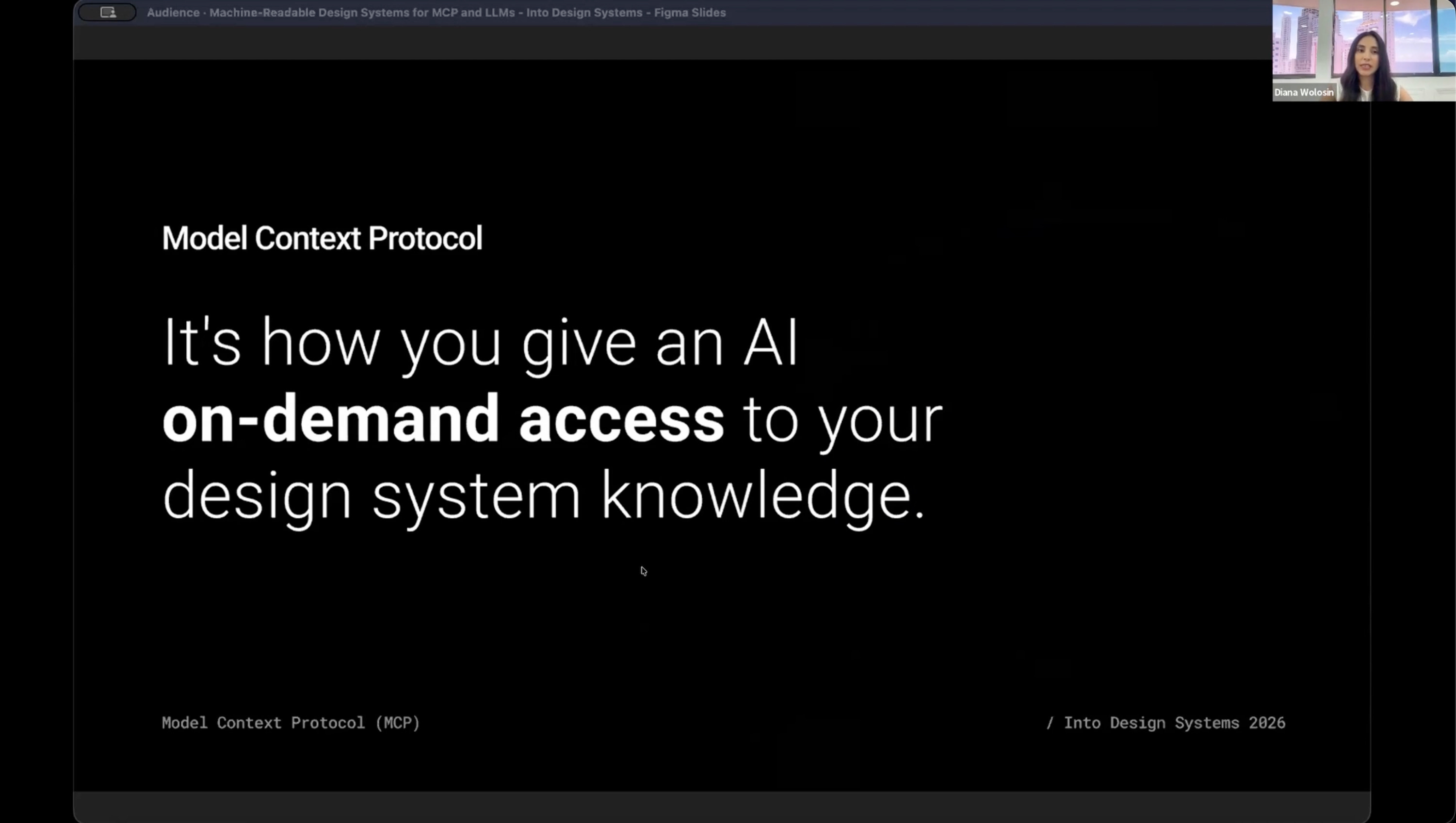
“A model context protocol is how you give an AI on-demand access to your design system knowledge.”
And she does not stop at the diagram.
In the session she opens Indeed’s real repositories and shows the whole machinery behind that slide: MDX documentation parsed into structured metadata by JavaScript parsers, one per knowledge domain (accessibility, development, localization and design), merged into one JSON per component, then ingested, chunked and indexed into an open source vector database called Vectra.
All 77 components. A pipeline re-runs automatically every time a maintainer updates the docs, so the metadata the MCP serves is always fresh.
If you have heard MCP, RAG and vector database a hundred times but never seen them connected on a real production design system, this is the session where it clicks.
The benchmark, 8 MCPs and 1,056 prompts
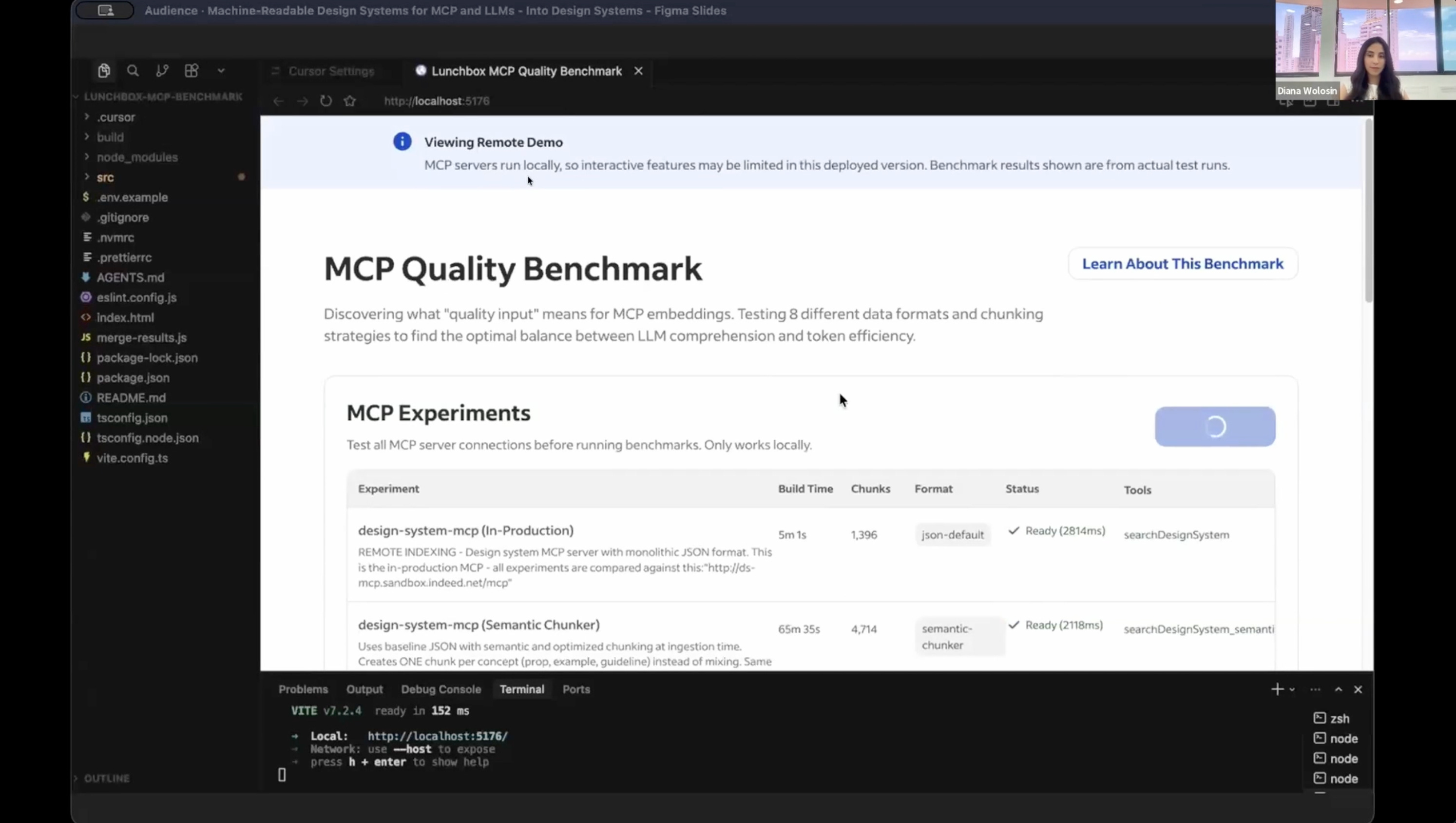
Some people told Diana to just connect the documentation to the MCP and call it a day. The documentation was written for humans, not for the new user. So instead of guessing, she built a benchmark.
Her tool stack: Cursor and Claude Sonnet 4.5. Her developer partner, Tony Rucker, built the MCP infrastructure and duplicated the MCP server seven times to create eight different configurations.
She tested Indeed’s documentation across five formats: Markdown, plain Markdown, hybrid Markdown + JSON, JSON and TOON (Token-Oriented Object Notation).
The scale of the benchmark, which she vibe-coded in Cursor: 22 prompts × 3 runs × 2 (MCP input and LLM output) × 8 configurations = 1,056 prompts.
Two evaluation axes: token efficiency and LLM accuracy.
In Diana’s words:
“We were looking for the format that gives us the sharpest, most reliable, deterministic responses at the lowest token cost.”
And there was a clear winner: JSON. It delivered the same or better accuracy than the hybrid Markdown + JSON setup with around 80% fewer tokens. In money: running just the 22 benchmark queries against the original Markdown documentation adds up to roughly $1,500 a year. JSON: $300. Same design system, same components, five times cheaper.
Why does JSON win? Because JSON is like a contract: explicit keys, explicit values, explicit boundaries, no ambiguity. It tells the LLM exactly what it sees and how to use it.
And one nuance from the Q&A worth writing down: JSON is for structured component metadata. For natural language rules and instructions, Markdown is still the right tool, with front matter instead of verbosity.
4,300 AI-generated prototypes on a design system MCP
Indeed launched their MCP with the winning format in August. From August to December, the product team generated 4,300 prototypes on an internal AI prototyping tool powered by the design system MCP. Product managers, researchers and content folks created prototypes too. All using React design system components and Indeed’s visual language.
Importantly:
These prototypes were not generated by a Figma MCP
They were not using Tailwind CSS
So the question Diana put to the audience: is that all it takes to make a design system machine-readable?
Unfortunately, no.
Why a perfectly structured MCP still produces broken prototypes
Diana shared what lead designer Keith Weston found when he audited a sample of those 4,300 prototypes: typography violations, broken spacing, an invented color palette the design system team never approved, occasional emojis where icons should be.
The components were right. The foundations were breaking.
Her diagnosis is the part of the talk every design system lead should screenshot:
“The MCP is on demand. It only returns fresh data about what you asked for. If the prompt says ‘build me a card’, it’s going to give you information about the card and a button. But it’s going to fully ignore the spacing, the typography, the colors, because that foundation knowledge wasn’t called in the prompt.”
The vector database had everything. The LLM just never asked for it. So it filled the gap with its own assumptions and those assumptions were wrong.
The fix Diana walked through (a layered architecture combining Rules, MCP and AGENTS.md into what she calls a plugin) is the most actionable part of the session. It is also the part I am not going to spoil here.
What I’m taking back to my own work
A few things I am applying immediately. These are my takeaways, not Diana’s:
Stop debating Markdown vs JSON for AI consumption, run a tiny benchmark and let the numbers settle it
Treat the MCP as on demand, treat rules as always on, never confuse the two
Measure hallucinations as a metric, not as a feeling
For machine-readable design systems, think plugin, not just MCP
The full session is on demand
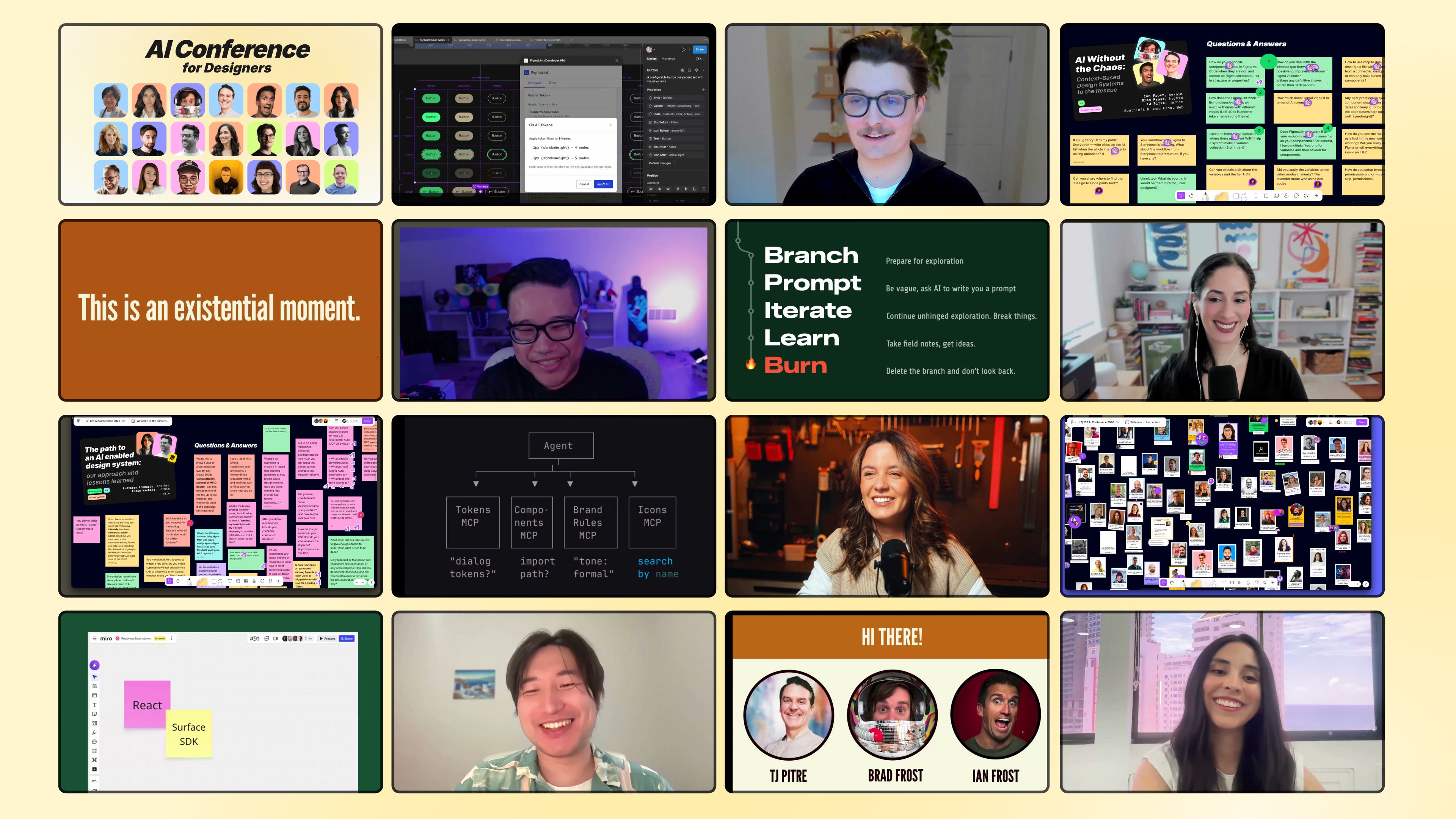
Diana’s session is one of 18 from the AI Conference for Designers 2026. The recording includes the live MCP benchmark, the full ranking across the five formats, the cost numbers, the four findings in detail, the plugin architecture diagram and the Q&A on the FigJam board.
You watch her parse the docs into metadata, ingest, chunk and index them into the vector database and run the benchmark live, all inside Indeed’s real repos.
A few other sessions in the same arc that pair well with this one:
→ The Path to an AI-Enabled Design System with Andressa Lombardo and Eddie Machado (Miro) on Aura, MCP and Claude Code skills
→ Agentic Design Systems with Romina Kavcic on the Observe-Detect-Suggest-Fix-Learn loop
→ AI Without the Chaos with Brad Frost, Ian Frost and TJ Pitre on bringing context to AI workflows
→ Building Real Design Systems with Agents with Jan Six (GitHub) on Copilot building design systems
📐 AI Conference for Designers 2026 Recordings
✅ 18 sessions, 18+ hours, lifetime access
✅ FigJam board with all Q&A and resources
✅ Certificate to prove your AI skills as a designer
See you inside,
Sil
 | A guest post by
|