
How Miro Onboarded AI Into Their Design System with MCP and Claude Code skills
How Miro made their design system AI-ready with MCP and Claude Code skills (and dropped Slack support by 80%)


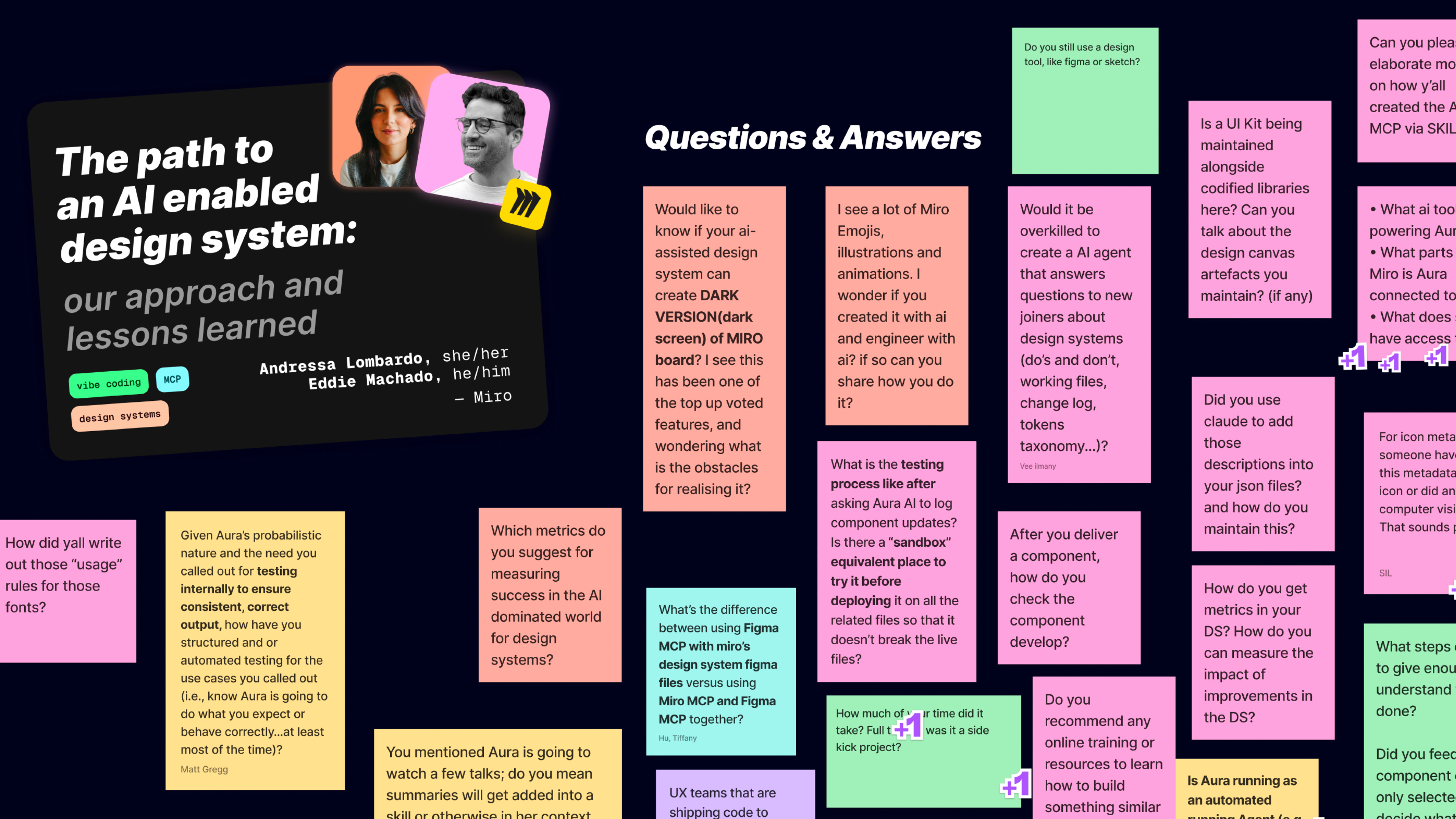
Andressa Lombardo and Eddie Machado joined the AI Conference for Designers 2026 online to talk about how Miro made their design system AI-ready. What they shared was a year of practical workflows, frameworks and concrete lessons on what it actually takes to make a design system work with AI.
Their team is six people serving 48+ product teams at Miro: one design systems lead (Andressa), one design engineer (Eddie), one engineering manager and three engineers. As Andressa put it on the call, “small but mighty”.
These are my notes from their session.
🚨 The incident that started everything
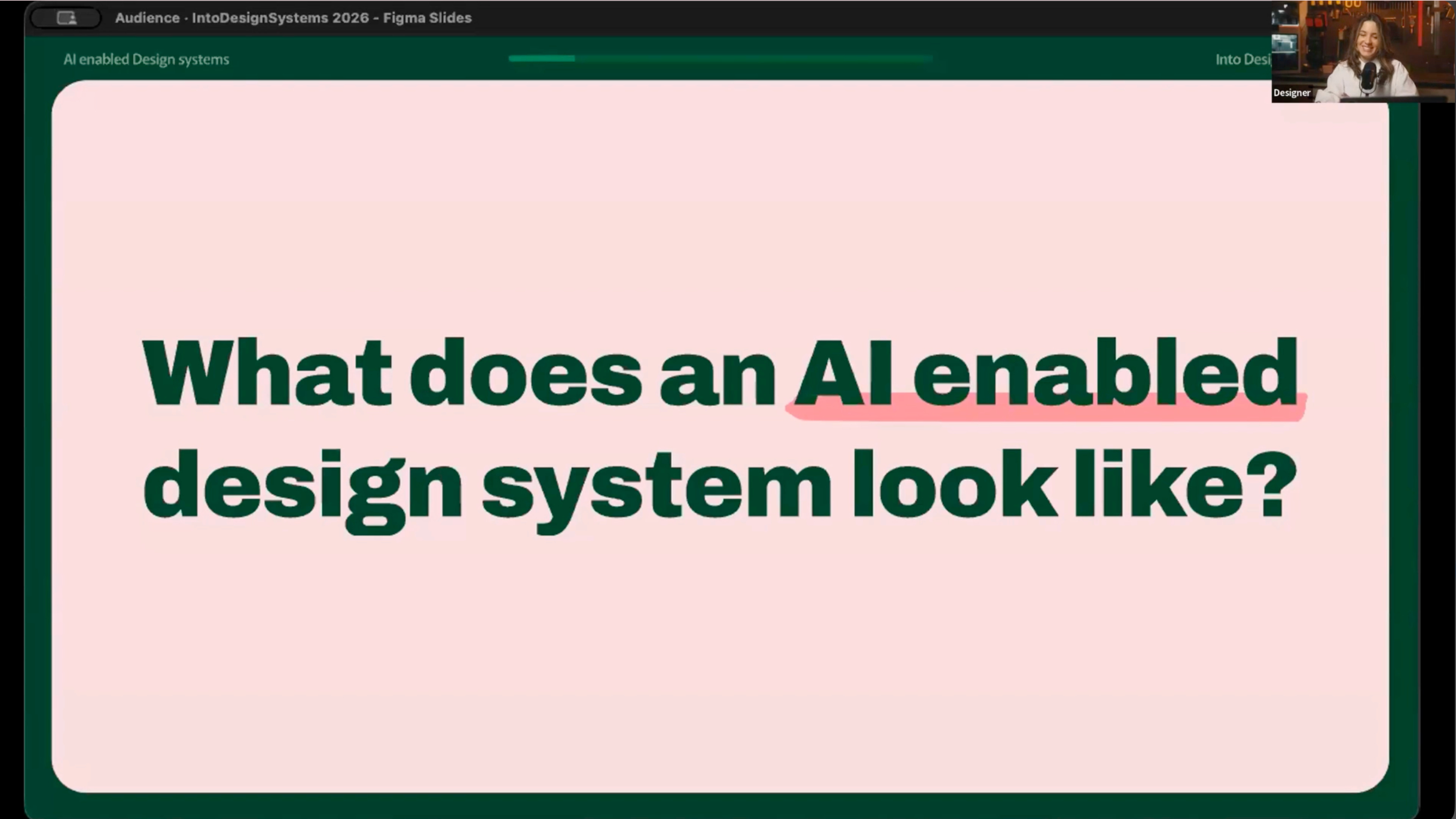
On Andressa’s first day at Miro, her team was on offsite in Berlin while leadership planned the new year. They were launching a feature where teams using Miro could upload their brand guidelines and prototype inside the product, and one question was floating around the room:
“Could they just use AI to create a design system inside of Miro?”
As Eddie described it, the idea was to point AI at a brand guideline document and have it auto-generate the system itself.
“If we didn’t figure out how to make AI work within our system, somebody else was going to do it without us.”
👋 Treat AI like a new hire, not a tool
The reframe Andressa and Eddie kept coming back to: AI is really a new member of the team that they had to onboard. So they named their AI practice Aura.
Aura is not a single tool or one agent. As Eddie explained, she is the name they use for the entire AI practice on the team: the integration scripts, documentation and workflows built over the past year.
Like every new hire, Aura has a personality. Andressa described her as extremely enthusiastic, very capable and extremely literal. She attempts anything you throw at her, but knows nothing about Miro or its conventions and has zero tolerance for ambiguity. As Eddie said, working with her is the same struggle teams have with any new joiner asking "where’s this library?", "how come we don’t have this variant?", "where can I find this?".
📋 The three principles they onboard everyone with
Before writing any new documentation, Andressa and Eddie asked: if we were to start over, how could we onboard people, humans or machines, more efficiently? Three principles emerged.
1. Show, don’t tell. Explain to new joiners, but also show them. Not just why, but also why not.
2. Be consistent. Team members need to know how to react in different situations. If your messages waffle back and forth, it is hard to decipher the rule.
3. Give room to experiment. Your best learnings in a career usually came from time to explore, try new things, mess up and self-correct. New joiners need that space, and so does Aura.
🔍 Why AI agents hallucinate inside design systems (and how to fix it)
To prove the concept, they gave Aura a first task: build a toolbar with four common actions and an overflow menu, using only elements from the design system.
She did it confidently. But as Eddie put it, she was not randomly wrong, she was confidently wrong. The icons for text style, text adjustment and highlighting were all incorrect.
The reason was naming. The icon that looks like “two A’s next to each other, one capital, one cursive” was named in their library as if it were for text styles, but it was actually used for font styles (serif, sans serif). The icon Miro uses for text styles is named after its appearance, bold-italic-underlined. Andressa noted that this naming structure was something they inherited, which is probably the case for a lot of design system teams.
Refactoring the icon and token architecture would have been a much bigger job, so they expanded the metadata instead. For icons they added three things: a visual description, a use case and a category. The new description for the font style icon reads:
“Represents font style like serif or sans serif. Do not use to represent text style like bold, italic, underline.”
They re-ran the prompt. Aura got the icons right.
But she also picked a deprecated background token. They had replaced it recently and she had no way to know. So they did the same exercise for tokens, expanding the description to make both intent and limits explicit:
“Background for toolbars, panels and dropdowns. Do not use for cards or flat content. Use background-surface instead.”
Re-ran the prompt. Got it right.
As Eddie summed it up:
“It wasn’t Aura that was struggling. It was actually the fact that we didn’t provide her enough context to get the job done.”
🧹 The under-the-hood work that makes AI usable
Andressa called this “the less glamorous side of design systems, equally important, but not as fancy as all the great things that we can generate with AI.”
Every two weeks, Miro has a show-and-tell across all teams. While other teams were shipping flashy AI features (sidekicks, flows), Andressa and Eddie’s team were auditing documentation, writing icon descriptions, adding component best practices and adding metadata. As Andressa put it, the work was really important under the hood, but it wasn’t fancy and “doesn’t make your senior leadership eyes sparkle.”
Andressa shared this directly: she was told by senior leadership that there was no value in what they were doing, that nobody reads documentation and that if this was the best their team could do, they could be rated four out of ten on impact.
They kept going because they knew the MCP, which Eddie would talk about next, was only as good as what Aura could read and only as good as what they had written. As Andressa said, “if we didn’t have anything written, you can put any fancy AI enablement in the MCP and the results are not going to be good at all.”
Her lesson:
“Prove the concept first. Explain it second.”
🛠️ The MCP, the Claude file and the moment skills clicked
Once the foundations were in place, Eddie built Miro’s design system MCP. He started with two simple tools: list components, which returns the list of components in the system and get component docs, which returns the documentation file for a given component. Eddie said they wanted to start simple and see how that worked before adding more.
Then Eddie pointed out a problem he and most engineers will recognise: if your cursor looks anything like his, you have a stack of MCPs loaded, and having AI figure out which one to call can be frustrating. So they added explicit instructions to the team’s root Claude file to make sure Aura calls the design system MCP directly.
Eddie shared the impact of that one routing tweak: support questions in their Slack channel dropped by 70 to 80%, because people were getting answers in their IDE and not popping into the channel with simple questions anymore.
The MCP did have limits though. When Aura needed to find specific icons or tokens, she would end up in loops. Eddie explained why: their internal documentation site rendered library links in React, not Markdown, so AI could not read the links. She would either find the answer by scanning the codebase randomly or, when stuck, hallucinate her way to one.
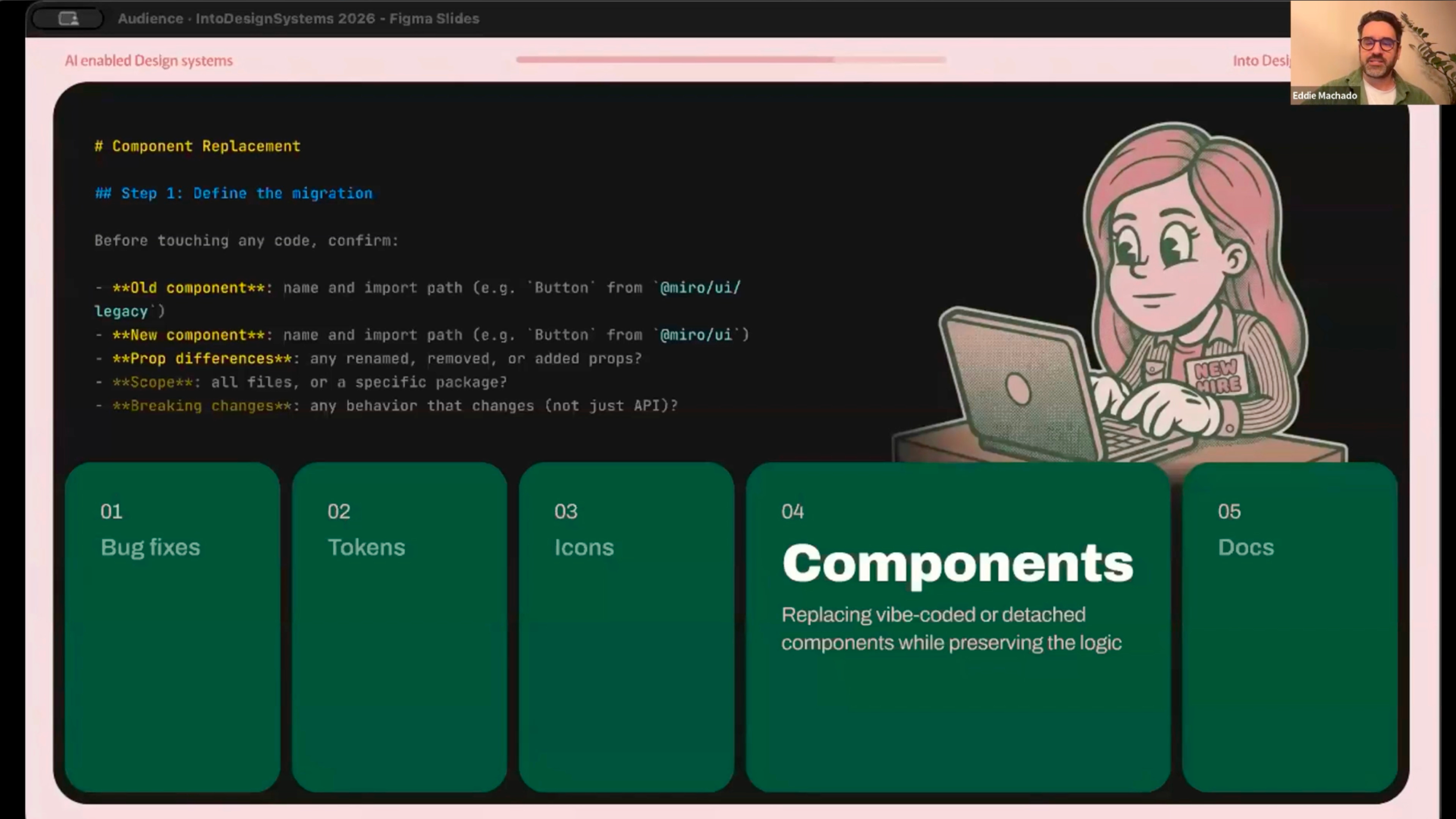
So the team built two more tools: search icons and search tokens. Instead of building them as MCP tools directly, Eddie built them as Claude Code skills. His reasoning on the call was that skills are way more accessible and simple to create, and he recommended using Claude’s built-in skill creator skill to spin up a skill in minutes, then iterating, then using Claude’s /simplify command to compress and optimize it.
The numbers Eddie shared from this process: he got the skill down to around 410 tokens, from 33,000. That is 98% fewer tokens. As he pointed out, this is the kind of metric you can take to leadership and say “look at this, that’s 98% fewer tokens scaled across the company.”
Eddie’s recommendation to the audience: build it as a skill first. You can always port it later.
⚡ When AI starts contributing back to the system
Eddie wrote a wrap-up skill that runs the linter, walks through the team’s checklists for code quality, accessibility and localisation, adds a line for each commit describing what changed and then structures the PR based on a template. As Eddie said, creating a PR sucks, so the skill does it for you. It standardizes contributions and, in his words, “we see people more eager to contribute because there’s less of a restriction now.”
They also set up a workflow where the team tags a Jira ticket with “Aura ready”. She scans the ticket, picks it up, reads the description, does the work, uses the wrap-up skill and submits the PR. On her first day working on bugs, Eddie said, she created 17 PRs in an hour.
The team also has experiments running on top of this base. Eddie listed them on the call:
A script to rename and replace tokens, which by hand would have taken them months
The same script approach for icons
Generating new components from a “recipe” extracted from existing components (asking Claude to analyse existing components, document the pattern, extract a recipe, then use that recipe to generate new ones)
A wrap-up-style script that, when a component changes, finds the related documentation file and updates it
Andressa was direct about the state of all this: she did not want to paint a perfect picture. A lot of the work is still trial and error, and a lot of it is still in the testing phase. This is the potential the team sees for Aura, but they are not there yet.
📉 Why high MCP adoption breaks your dashboards (and what to measure instead)
This part of the talk is one I think every design systems lead should hear.
When Andressa and Eddie made the MCP frictionless, they could no longer actively see the calls people were making to it. It just worked in the background. As Andressa explained, this was a response to user feedback: people did not want to have to actively say “use the design system MCP” every time. So adoption went up, but visibility into how many calls were being made went down. In her words: “it sounds like a problem, but it meant it’s working.”
Her lesson for design system leads:
“Any figure is better than no figure.”
Even if it is approximate and not 100% accurate, even if it is qualitative, even if it is testimonials from engineers, designers and product managers, build the case from what you have.
💡 The line that summed up the whole talk
If you take only one thing from Andressa and Eddie’s session, take this, from Andressa’s closing:
“You don’t need a perfect system. You need a system that is legible enough to teach.”
Her takeaway for the audience was that even if it is not the glamorous work, put the work into metadata, documentation and extracting everything that lives in your head and putting it in a file.
What I’m taking back to my own work
A few things from this session I am applying immediately. These are my own takeaways, not Andressa’s and Eddie’s:
Treat documentation gaps the same way you would treat onboarding gaps
Add do-not-use guidance directly into token and icon descriptions
Start with a skill before considering an MCP tool, then compress it with
/simplifyBuild a
wrap-upflow for any contribution path you controlStop measuring AI adoption by the number of MCP calls and start measuring it by the support questions you no longer have to answer
The full session is on demand
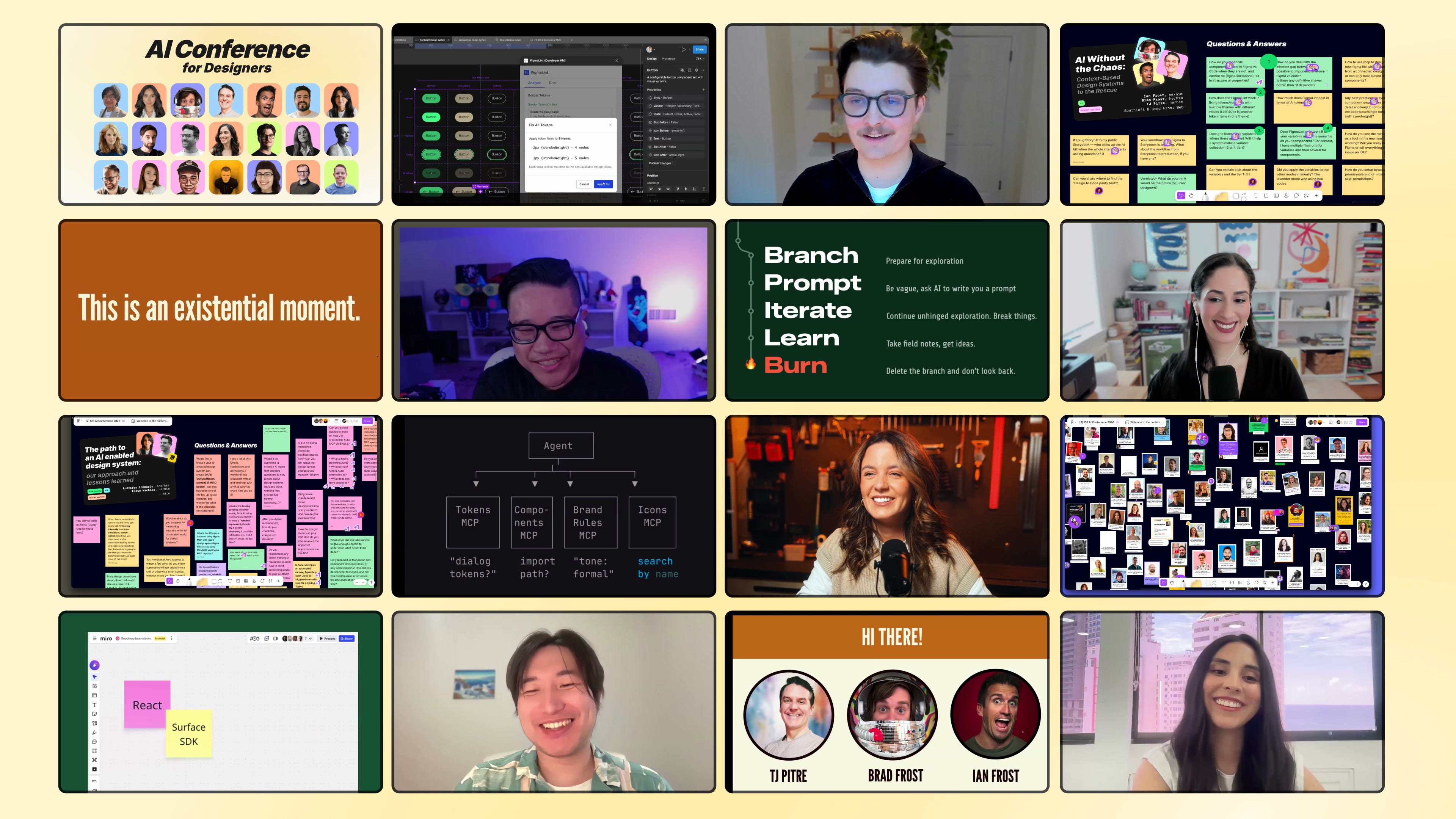
Andressa and Eddie’s session is one of 18 from the AI Conference for Designers 2026. The recording includes the full talk, the Aura “performance review” moment at the end and the Q&A on the FigJam board.
A few other sessions in the same arc that pair well with this one:
→ Machine-Readable Design Systems for MCP and LLMs with Diana Wolosin (Indeed) on structuring docs for AI agents
→ Agentic Design Systems with Romina Kavcic on the Observe-Detect-Suggest-Fix-Learn loop
→ Building Real Design Systems with Agents with Jan Six (GitHub) on Copilot building design systems
→ AI Without the Chaos with Brad Frost, Ian Frost and TJ Pitre on bringing context to AI workflows
📐 AI Conference for Designers 2026 Recordings
✅ 18 sessions, 18+ hours, lifetime access
✅ FigJam board with all Q&A and resources
✅ Certificate to prove your AI skills as a designer
👉 Get the Recordings Pass
See you inside,
Sil
 | A guest post by
|